
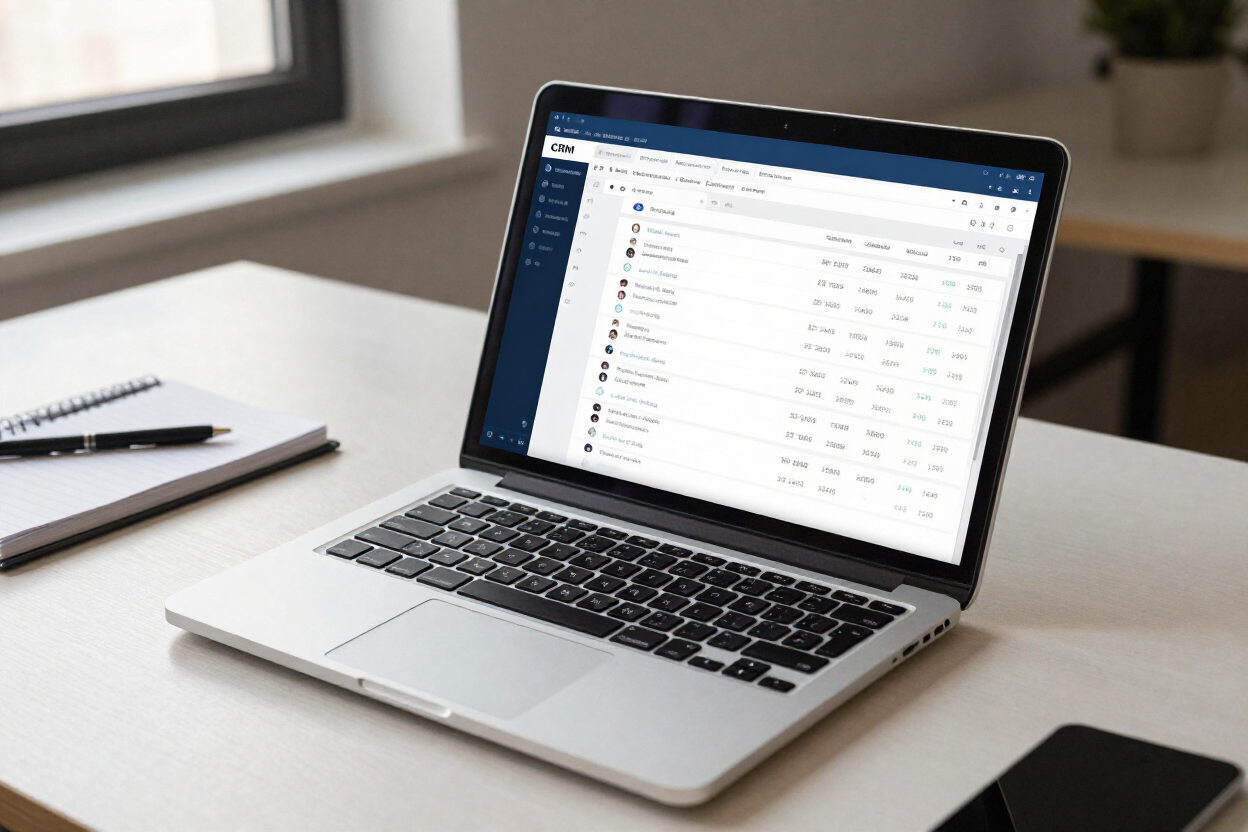

AI Receptionist CRM Integration: What Should Happen After Every Call

grant • November 18, 2026

Share this article

An AI receptionist that answers calls but leaves the details in an email inbox solves half the problem. Someone still has to read the email, copy the caller into the CRM, book the appointment and remember to follow up. Most of the value of AI call answering sits in what happens after the caller hangs up.

This article covers AI receptionist CRM integration in practical terms: what a call record should contain, how callers are matched to existing contacts, how calendar bookings and follow-up workflows fit in, and how to test the connection before real customers rely on it. It is written for businesses that already use a CRM, or are about to, and want calls to feed it automatically.

Why the CRM matters more than the conversation

A natural-sounding AI voice gets the attention in demos. In day-to-day use, the CRM is where calls turn into revenue or quietly disappear. If an enquiry never becomes a record with an owner and a next step, it doesn't matter how well the call went.

Speed is the main reason. Research published in Harvard Business Review found that firms contacting an online lead within an hour were nearly seven times as likely to qualify it as firms that waited even one hour longer. Phone enquiries behave in a similar way. A caller who has spoken to your AI receptionist at 6pm is warm; by the time someone types up a voicemail two days later, they may have booked elsewhere.

Integration also stops your team doing the same job twice. Voice Tech Support puts it plainly on its integrations page: the conversation is only the front end, and what happens afterwards is what makes it useful.

What a call record should contain

Before connecting anything, decide what each call should leave behind in the CRM. A record that is too thin forces your team to listen to recordings; one that is too detailed becomes noise nobody reads.

A useful call record usually includes:

  • Caller details: name, phone number and email if offered, confirmed back to the caller during the call
  • Reason for calling: a short, plain-language summary rather than the full transcript
  • Enquiry type: new enquiry, existing customer, booking change, complaint, supplier or other
  • Outcome: appointment booked, message taken, call transferred or information given
  • Urgency and next step: who needs to do what, and by when
  • Links to the recording and transcript: for anyone who needs the detail

Map each of these to a specific field in your CRM before setup begins. Free-text notes are easy to create but hard to report on. A dropdown for enquiry type or outcome lets you see, for example, how many new enquiries came in out of hours last month and how many became bookings.

It also helps when calls, website enquiries and campaigns all feed the same system, a point Blam makes in its article on replacing multiple suppliers with one digital ecosystem. Keep the list to what your team actually uses. Collecting extra details "just in case" adds clutter and, for personal data, goes against the UK GDPR principle of data minimisation: only collect what you need for the purpose.

Matching callers to existing records

Most integration problems come from matching rather than from the connection itself. Get this wrong and your CRM fills with duplicates, or worse, notes land on the wrong customer.

Phone number matching and its limits

The simplest method matches the caller's number to existing contacts. It works well for mobiles but fails when people call from a work landline, a withheld number or a partner's phone. The agent should confirm the name on any matched record ("Am I speaking with Sarah?") before adding notes to it.

Avoiding duplicate contacts

When there is no match, the agent creates a new contact. Set rules for near-matches, such as the same email address with a different number, so they are flagged for review rather than duplicated. A weekly check of new contacts during the first month will show whether the rules need tightening. Use the same rules for contacts created by forms on AI-powered websites, so a caller who has already filled in an enquiry form doesn't appear twice.

Updating rather than overwriting

Calls should add information, not replace it. If an existing customer gives a new address, record it as an update for your team to confirm rather than overwriting the old one silently. UK GDPR requires personal data to be accurate and, where necessary, kept up to date, as set out in the ICO's guide to the data protection principles, so a clear audit trail of changes helps.

Calendar bookings and follow-up workflows

The CRM record is the foundation, but most businesses get the biggest time saving from two further connections: the calendar and automated follow-up.

Booking into a live calendar

Calendar integration lets the agent check real availability and book during the call. Blam's AI Receptionist connects with Google Calendar, Outlook, Calendly and specialist booking tools. Booking rules matter as much as the connection: minimum notice, buffer times between appointments, which staff can be booked for which services and how far ahead people can book.

Triggering follow-up automatically

Once the record exists, the CRM can do the rest. A booking can trigger a confirmation text and a reminder the day before. A new enquiry can start an email sequence, assign a task to a salesperson or prompt a follow-up call. Blam's email marketing and automation work often starts from exactly these call-triggered events.

Be careful with automated messages to callers. Service messages such as booking confirmations are usually fine, but marketing emails need the right consent. Keep the two separate in your workflows.

Testing the integration before go-live

Integration testing is where shortcuts cause the most damage, because failures are silent. A call that sounds perfect can still create a record in the wrong place or skip a booking.

Run test calls for every call type you mapped: a new enquiry, an existing customer, a booking change, a complaint, a withheld number and a caller who gives a slightly different name from the one on record. After each, check the CRM and calendar by hand. Does the record exist, are the fields right, did the right person get notified?

Then test failure. Disconnect the calendar for a moment and see what the agent says to callers, and whether the details are still saved somewhere. A sensible fallback, such as taking the details and flagging the booking for a call back, protects you when a connected system has an outage.

Keep testing after launch. Review a sample of calls against CRM records every week for the first month, and again after any change to your CRM fields or workflows. If you also run an AI chatbot that writes to the same CRM, test both together, because the two can create duplicates of the same person.

Getting value from every call

AI receptionist CRM integration works when the record is planned before the connection: clear fields, sensible matching rules, live calendar access and follow-up that starts automatically. With those in place, every call ends with a record your team can act on, not a voicemail they have to chase.

If you want your calls to feed your CRM properly, Blam's CRM and sales automation team can map your fields, workflows and booking rules alongside the AI receptionist setup. Get in touch with Blam to talk it through.

FAQs

Which CRMs can an AI receptionist connect to?

Most mainstream CRMs, including HubSpot and Salesforce, accept data through an API or an integration tool, so in principle an AI receptionist can connect to many of them. Confirm with your provider which systems they have connected before, which fields they can write to and whether two-way syncing is supported.

Can an AI receptionist log calls to the CRM automatically?

Yes. Each call can create or update a contact, add a summary, record the outcome and link to the recording and transcript, without anyone typing it in. The quality depends on planning which fields to fill and how to match callers to existing records.

Can an AI receptionist use Google Calendar or Outlook for bookings?

It can. Calendar integration lets the agent check live availability and book during the call, following your rules for notice periods, buffers and which staff handle which services. Bookings appear in your calendar immediately and can trigger confirmation messages.

What happens if the CRM is unavailable during a call?

A well-built setup has a fallback. The agent should still capture the caller's details and reason for calling, store them safely and flag them for your team, then sync to the CRM once the connection is back. Test this during setup rather than discovering it during an outage.

Recent Posts

By Blam Digital • November 11, 2026
How an AI receptionist for franchises keeps call handling consistent across every location, routes leads to the right territory and settles who owns caller data.

By Blam Digital • November 4, 2026
Thinking of becoming an AI voice agent agency? Compare build, white-label, and partner models, plus rollout, pricing and data protection risks to plan for.

By Blam Digital • October 27, 2026
An AI receptionist GDPR guide for UK businesses: call recording rules, telling callers about AI, controllers and processors, retention and a launch checklist.

Business meeting in a glass-walled conference room with five people seated around a wooden table, laptops open
By Jamieson Lee Hill • July 3, 2026
Multiple suppliers often create complexity rather than growth. Growth becomes easier when websites, SEO, CRM, automation, and marketing work together.

Team meeting reviewing color charts and documents at a desk
By Jamieson Lee Hill • June 29, 2026
Organisations need governance, consistency, accountability, and scalable systems if they want AI to produce sustainable business results.

Four people working at laptops around a meeting table in a modern office
By Jamieson Lee Hill • June 25, 2026
SEO has evolved significantly after the February and March 2026 Google Core Updates. Visibility now depends on EEAT, topical authority, and entity clarity.

Show More